E-Commerce Product Listing Images: What Top Sellers Get Right (and How AI Can Help)
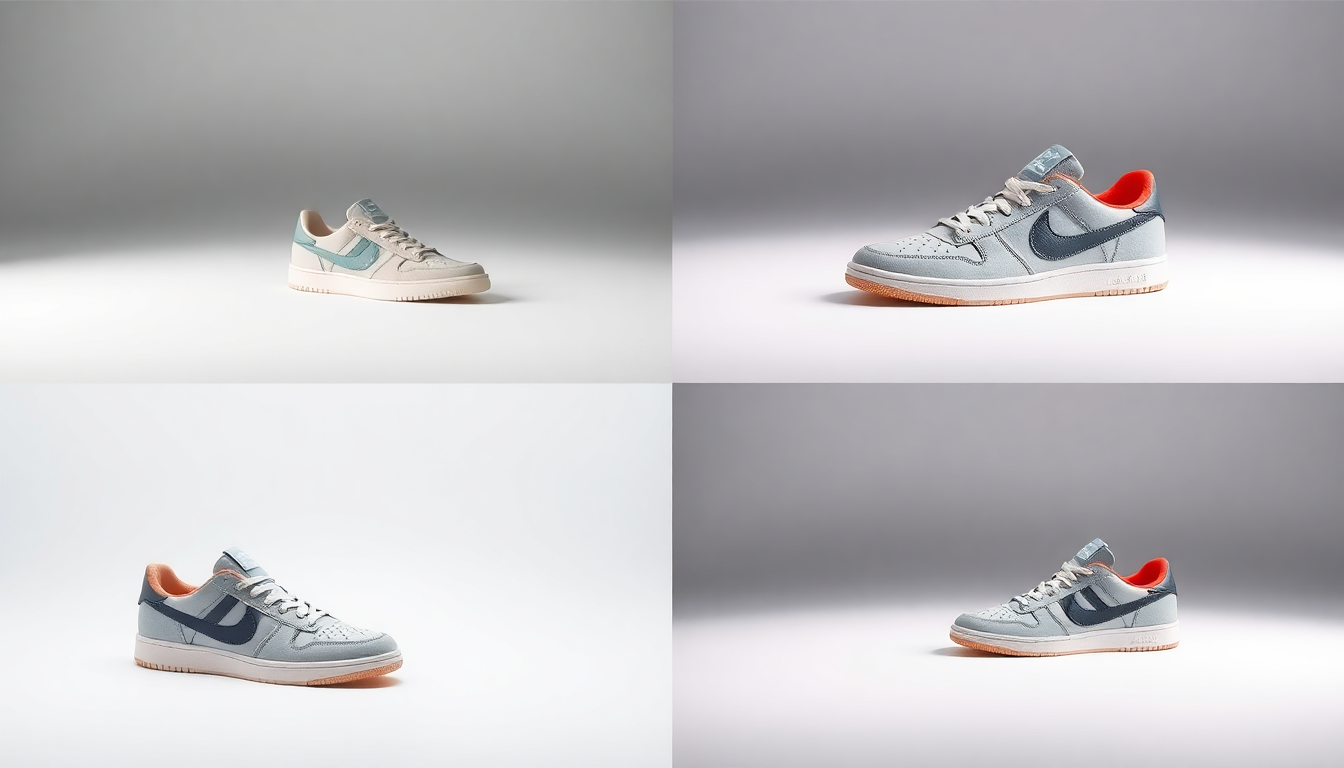
Here is the thing about selling online: your product photos do almost all of the talking. Shoppers cannot pick up your product, turn it around, or feel the material. All they have is a handful of images and a few seconds of attention. That is why ecommerce product listing images are not just nice to have. They are the single biggest factor in whether someone clicks "Add to Cart" or scrolls right past.
If you have been struggling with low conversion rates, getting your listings suppressed, or just feeling like your photos look "off" compared to top sellers, you are not alone. The good news is that the bar for great product images has gotten much easier to clear, especially with AI tools that handle the tedious parts for you. Let's break down exactly what works.
What Actually Makes a Great Product Listing Image?
Every major marketplace has its own product image requirements, but they all agree on the basics. Amazon wants a pure white background for your main image. Shopify stores look best with consistent, clean styling across the catalog. Etsy leans a bit more lifestyle-friendly, but clarity still wins. Regardless of the platform, there are a few non-negotiable qualities that top-performing listings share.
Clean, Distraction-Free Backgrounds
Your main product image needs to put the product front and center. For Amazon, that means an RGB 255,255,255 white background with no props, logos, or text overlays. Other platforms are more flexible, but the principle holds: the first image a shopper sees should make the product instantly recognizable. If you are shooting products at home or in a small studio, getting a perfectly clean background can be surprisingly tricky. That is where AI-powered background removal has become a game changer for sellers of all sizes.
High Resolution and Sharp Detail
Most marketplaces recommend at least 1600 pixels on the longest side so that customers can zoom in. Amazon recommends 2000 pixels. Blurry, pixelated, or compressed images signal "cheap" to buyers, even if your product is anything but. If your camera or phone does not deliver the resolution you need, AI upscaling tools can bridge the gap without adding artifacts.
Multiple Angles and Consistent Lighting
One photo is never enough. Shoppers want to see the front, back, sides, and details. They want to see how big it actually is. They want to imagine it in their life. And all of these shots need to feel like they belong together, with consistent lighting, color temperature, and styling. This consistency is a hallmark of professional product photography, and it is something that AI product photography tools are making accessible to everyone.
The Image Stack Strategy Top Sellers Use
If you look at the best-selling listings on Amazon, Shopify stores with high conversion rates, or Etsy shops with thousands of reviews, you will notice a pattern. They do not just throw up a few random photos. They build what experienced sellers call an "image stack," a deliberate sequence of images that walks the buyer through a visual story.
Here is what a solid image stack looks like for most product categories:
- Main image (hero shot): Clean white background, product filling 85% of the frame, sharp focus. This is the image that appears in search results and makes or breaks your click-through rate.
- Lifestyle image: The product in use or in a realistic setting. A candle on a nightstand. A backpack on someone's shoulder. This helps buyers picture the product in their own world.
- Detail / close-up: Texture, stitching, material quality, finish. This builds trust and answers the "is this well-made?" question before the buyer has to ask it.
- Scale / size reference: The product next to a familiar object, or being held in someone's hand. Nothing kills a sale faster than a customer who thought the item was bigger (or smaller) than it actually is.
- Infographic / feature callout: An image with simple text overlays highlighting key features, dimensions, or included accessories. This works especially well on Amazon where A+ Content is available.
- Additional angles: Back, side, bottom, or open/closed views depending on the product. More visual information means fewer returns.
Most top sellers aim for 7 to 9 images per listing. Amazon allows up to 9 (plus video), and there is really no reason not to use all of them. The more visual information you provide, the more confident the buyer feels.
Common Mistakes That Hurt Your Listings
Even experienced sellers make these errors. If any of them sound familiar, do not worry. They are all fixable.
Bad Lighting
Harsh shadows, yellow-tinted overhead lights, and uneven exposure make products look cheap. Natural window light works surprisingly well for many categories, but you need to be consistent across all your shots. Inconsistent lighting across your image stack is one of the fastest ways to make a listing look amateurish.
Cluttered or Distracting Backgrounds
A wrinkled bedsheet, a kitchen counter with dishes in the background, random objects creeping into the frame. We have all seen it. Your background should support the product, not compete with it. For your main listing image, keep it clean. For lifestyle shots, keep the scene intentional and uncluttered.
Low Resolution or Over-Compression
Uploading images that look fine on your phone but turn into a blurry mess when a customer tries to zoom in on a desktop. Always upload at the highest resolution your platform allows. If you are working with limited source material, AI upscaling can recover a surprising amount of detail.
Inconsistent Style Across the Catalog
If every product in your store looks like it was photographed in a different room with different lighting, your brand feels scattered. Top sellers maintain a visual identity across all their listings. Same background style, same lighting approach, same editing treatment. This is where tools like Pixelus really shine, because you can generate consistent backgrounds and styling across your entire product line without reshooting anything.
How AI Tools Streamline the Product Image Workflow
Let's be honest. Traditional product photography is expensive. Renting a studio, hiring a photographer, buying lighting equipment, spending hours in Photoshop. For a small seller with hundreds of SKUs, that math does not work. AI-powered tools have changed the equation dramatically.
Background Removal and Replacement
This is probably the most impactful AI capability for product listing optimization. You snap a photo of your product on whatever surface is handy, and AI strips the background cleanly in seconds. No manual masking, no Photoshop pen tool, no tedious edge refinement. From there, you can drop the product onto a pure white background for marketplace compliance or place it in a generated lifestyle scene. Pixelus handles this natively, so you can go from a raw phone photo to a marketplace-ready listing image in a couple of clicks.
AI Scene Generation
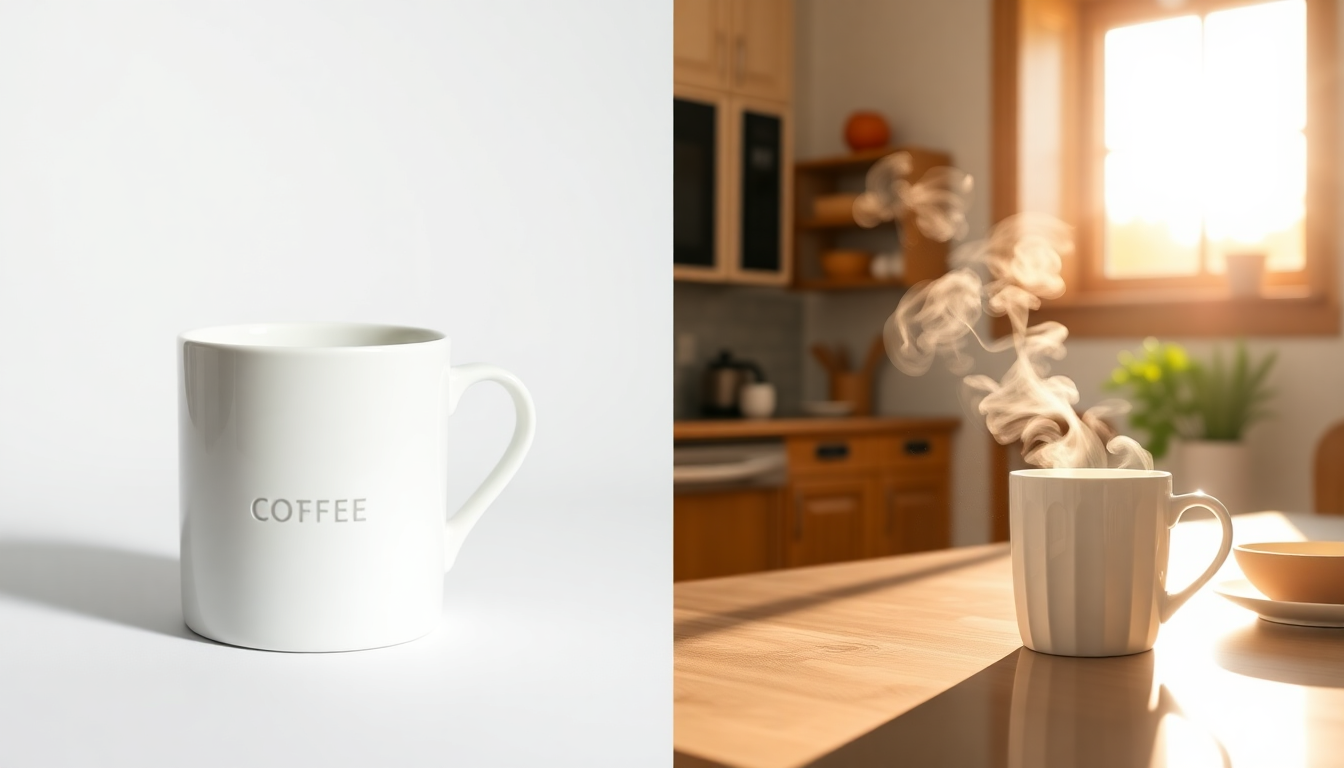
Need a lifestyle shot of your product on a marble countertop? In a modern kitchen? On a rustic wooden table in warm afternoon light? Instead of building or finding each of these scenes physically, AI scene generation creates photorealistic environments around your product. This is especially powerful for sellers who need lifestyle imagery across many products but cannot afford custom photoshoots for each one.
Upscaling and Enhancement
Got a product photo that is almost right but slightly soft or too low-res for zoom requirements? AI upscaling tools can increase resolution while preserving (and sometimes enhancing) detail. It is not magic, and it works best when you start with a reasonably good source image, but it can be the difference between meeting and missing platform requirements.
Video from Stills
This is a newer capability but an increasingly important one. Platforms like Amazon, Shopify, and TikTok Shop are pushing video hard. AI-generated product videos can turn your still images into short, engaging clips with motion, transitions, and even camera movement. If you have not explored product video yet, it is worth checking out. Listings with video consistently outperform those without.
Ready to level up your product listing images?
Pixelus gives you AI-powered background removal, scene generation, and product video creation, all in one place.
Platform-Specific Tips for Your Product Images
Amazon
Main image must have a pure white background (RGB 255,255,255). Product should fill at least 85% of the frame. Minimum 1600px on the longest side, ideally 2000px. No text, logos, borders, or watermarks on the main image. Secondary images can include lifestyle shots, infographics, and comparison charts. Use all 9 image slots plus video if you have it.
Shopify
You have more creative freedom here since it is your own store. Consistency matters more than any single rule. Pick a background style and lighting approach and stick with it across your catalog. Square images (1:1 ratio) work well for most themes. 2048 x 2048 pixels is a solid target. Lifestyle imagery is especially important for Shopify because you are building a brand, not just a listing.
Etsy
Etsy buyers respond well to handmade, artisanal, and lifestyle-oriented imagery. Your first image should still be clear and product-focused, but it does not need a white background. Show the product being used, in a beautiful setting, or in packaging. Recommended minimum is 2000px on the shortest side. Use all 10 image slots. Etsy's search algorithm favors listings with more images.
eBay
Similar to Amazon in requiring a white or light background for the main image. At least 500px on the longest side, but aim for 1600px or more. Up to 24 images allowed, so there is no reason to be stingy. Stock photos are technically allowed but will hurt your conversion rate. Original product images always perform better.
How Many Images Do You Actually Need?
The short answer: as many as the platform allows, up to a point of diminishing returns. For most products, 7 to 9 images is the sweet spot. Here is a practical breakdown of what types to include:
- 1 hero image (white or clean background, front view)
- 2-3 lifestyle images (product in context, in use, or styled)
- 1-2 detail shots (close-ups of texture, features, or quality indicators)
- 1 scale reference (product next to a known object or in someone's hand)
- 1-2 infographic images (feature callouts, dimensions, what is included)
If your product has variations (colors, sizes, configurations), show them. If it comes in packaging that matters to the buyer (like a gift box), photograph that too. Every image that answers a potential question before it is asked reduces friction between the shopper and the checkout button.
Putting It All Together
Great ecommerce product listing images are not about having the fanciest camera or the biggest photography budget. They are about understanding what buyers need to see and delivering it clearly, consistently, and at the quality level each platform demands. The sellers who get this right see better click-through rates, higher conversions, and fewer returns.
What has changed in the last couple of years is that you no longer need a professional studio to hit that quality bar. AI tools like Pixelus handle the most time-consuming parts of the workflow, from removing backgrounds to generating lifestyle scenes to creating product videos. That means more of your time goes into building your business and less into fighting with Photoshop.
Start with the image stack framework above, avoid the common mistakes, and use the tools available to you. Your product photos are doing the selling. Make sure they are doing a good job.