How to Make Product Videos for E-Commerce Using AI (Step-by-Step)
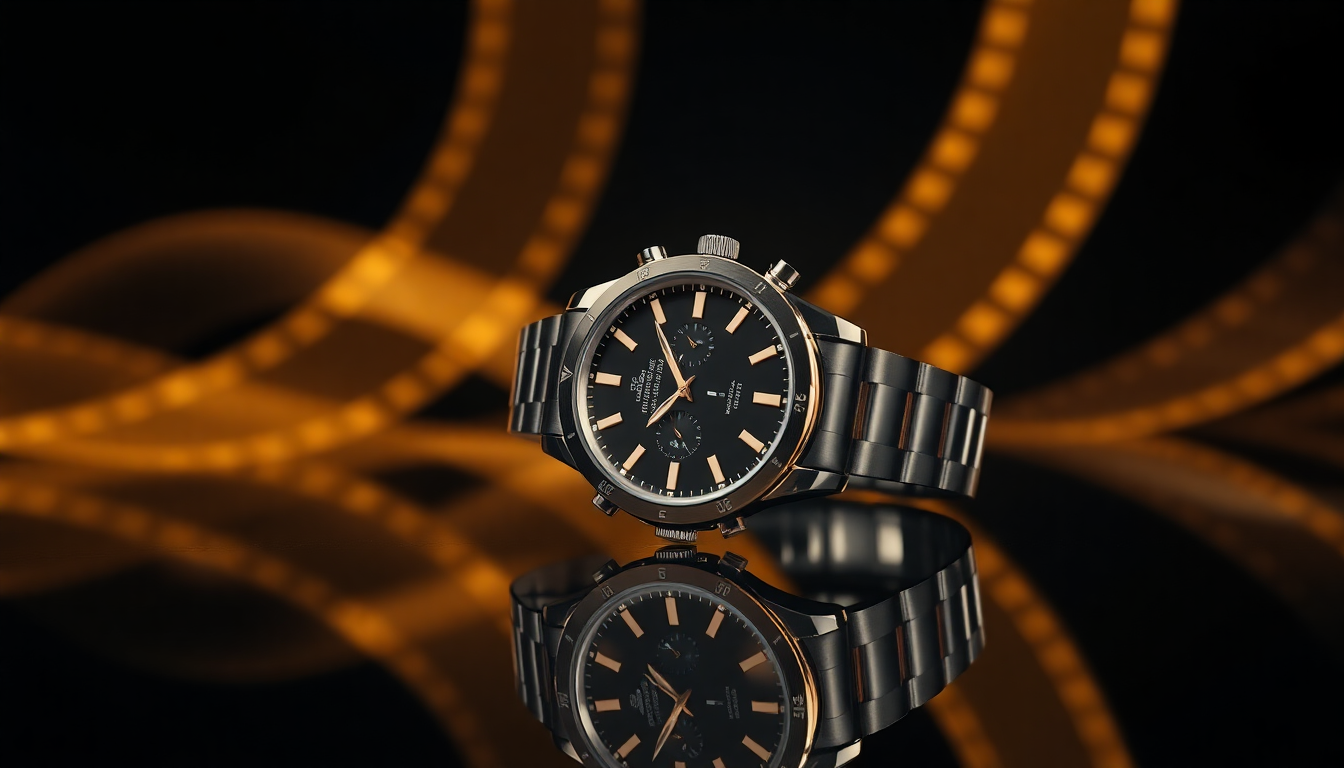
If you sell products online, you already know that static images only get you so far. Shoppers want to see products in motion. They want to see the texture of a fabric, the way light hits a glass bottle, or how a sneaker looks from every angle. That is where product video for e-commerce comes in, and thanks to AI, creating these videos no longer requires a production crew or a five-figure budget.
In this guide, we will walk through exactly how to create product videos using AI tools. No fluff, no theory. Just a practical workflow you can start using today.
Why Product Video Matters More Than Ever
Let's start with the numbers. Shoppers who watch a product video are 73% more likely to make a purchase compared to those who only see static images. On platforms like Instagram and TikTok, video content gets 2 to 3 times the engagement of photos. And Amazon, Shopify, and other marketplaces are actively pushing sellers to add video to their product detail pages.
The reason is simple: video builds trust. When a customer can see a product rotating on a table, or watch a skincare serum being poured, it answers questions that photos alone cannot. Does the material look cheap? Is the product smaller than I expected? Video removes that uncertainty, and lower uncertainty means fewer returns and higher conversion rates.
The problem has always been cost. A professional product video shoot can easily run $500 to $5,000 per product, depending on complexity. For brands with dozens or hundreds of SKUs, that math doesn't work. This is exactly the gap that AI product video generators are filling right now.
The Old Way vs. the AI Way
Traditionally, creating a product video meant booking a studio, setting up lighting, hiring a videographer, and spending hours in post-production. Even a simple 360-degree spin required a motorized turntable and careful editing. For lifestyle shots with motion, you needed actors, props, and a director.
The AI approach flips this entirely. You start with a single product image, and an AI product video generator transforms it into a short, polished video clip. The AI handles camera motion, lighting consistency, and realistic physics. What used to take a full day of shooting now takes a few minutes and a good prompt.
That doesn't mean AI replaces professional video entirely. For hero brand campaigns or complex storytelling, you will still want a human crew. But for the everyday product videos that fill your catalog pages, social feeds, and ad campaigns? AI is more than good enough, and it is getting better fast.
Step-by-Step: Creating Product Videos with AI
Here is the workflow we recommend, based on what works well inside Pixelus and similar tools. Whether you are shooting cosmetics, electronics, food, or apparel, the core process is the same.
Step 1: Start with a Great Product Image
Your video is only as good as the image you feed into it. AI video generation works best when the source image is sharp, well-lit, and properly composed. A few things to keep in mind:
- Use high resolution. At least 1024x1024 pixels. The AI needs detail to work with, and low-res images will produce blurry or artifact-heavy video.
- Clean backgrounds help. A product on a white or neutral background gives the AI the clearest signal about what the product is and where its edges are. You can use an AI background tool to clean things up first.
- Lighting matters. Even, diffused lighting without harsh shadows gives the best results. If your source image has dramatic shadows, the AI may struggle to animate them realistically.
If you already have solid product photography, you are halfway there. If not, check out our guide on AI product photography for tips on creating great source images. Pixelus can also help with AI-powered product image generation to get you a great starting point.
Step 2: Choose Between Text-to-Video and Image-to-Video
Most AI video tools offer two main modes. Text-to-video generates a clip from a written description alone. Image-to-video takes your existing product photo and brings it to life with motion.
For e-commerce, image-to-video is almost always the better choice. Why? Because you want the product in the video to look exactly like your product, not an AI interpretation of it. Image-to-video preserves the colors, shape, branding, and details of your actual item. Text-to-video is better suited for conceptual content or when you do not have source imagery yet.
In Pixelus, both modes are available. For most product video workflows, we recommend starting with image-to-video and using a well-crafted prompt to control the motion.
Step 3: Write a Prompt That Describes the Camera Motion
This is where the magic happens, and where most people struggle at first. The prompt you write tells the AI what kind of motion to add. You are essentially directing a virtual camera.
Here are some prompt patterns that work well for product video:
- Slow orbit: "Camera slowly orbits around the product on a marble surface, soft studio lighting, shallow depth of field"
- Push-in close-up: "Camera slowly pushes in on the product label, revealing texture detail, warm lighting"
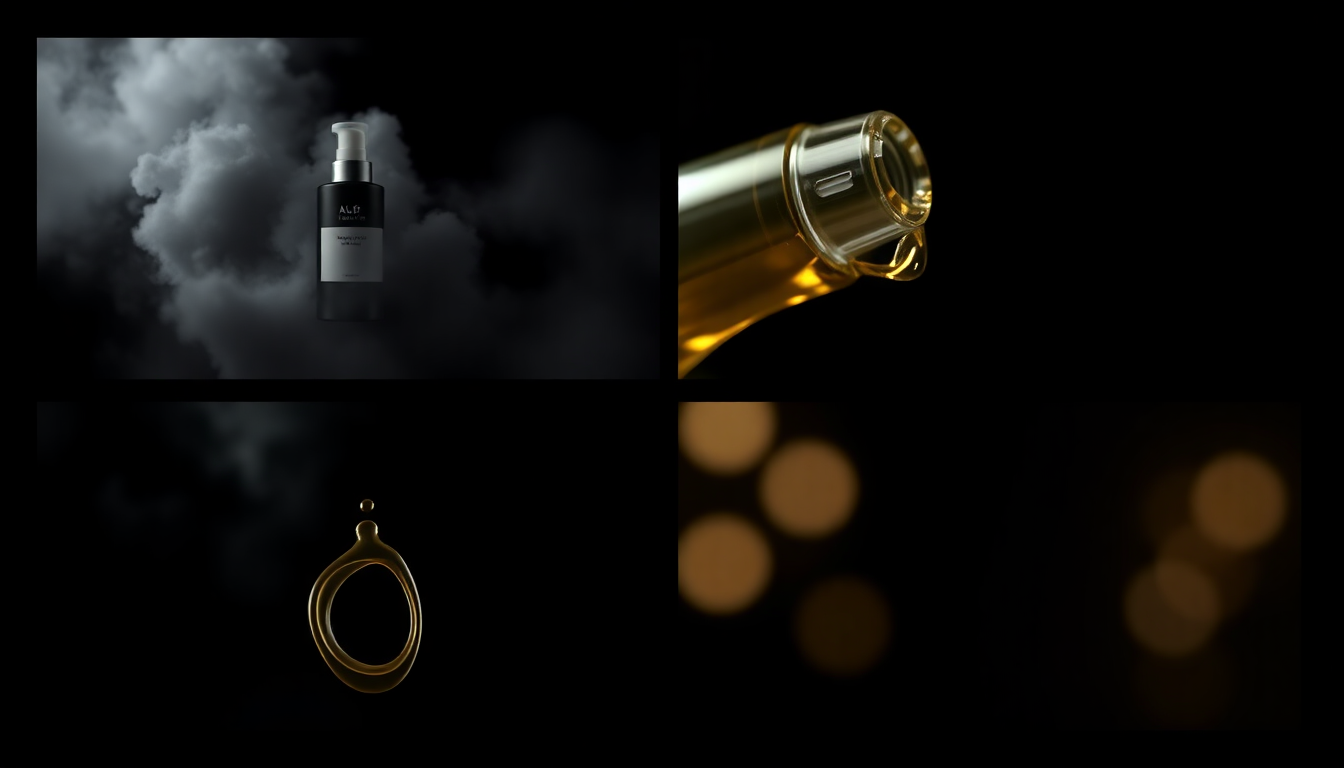
- Pour or dispense: "Golden serum pours from the bottle onto a glass surface, soft reflections, luxurious feel"
- Hero reveal: "Product emerges from soft fog, dramatic side lighting, dark background, cinematic"
The key is to be specific about what moves and how it moves. Vague prompts like "make a video of this product" will give you vague results. Instead, describe the camera angle, the speed, and the mood. Think of it like giving instructions to a cinematographer.
Step 4: Pick Your Model Tier
One thing that sets Pixelus apart is the choice between budget and premium AI models. This is a practical decision that depends on what the video is for.
- Budget models are fast and affordable. They are great for testing prompts, generating social content, or producing large batches of videos where speed matters more than perfection. You can iterate quickly and find the right look without burning through your credits.
- Premium models produce higher fidelity results with more realistic motion, better lighting, and fewer artifacts. Use these for hero content: product detail pages, paid ads, and anywhere the video needs to look polished enough to drive a purchase decision.
A good workflow is to draft and iterate with budget models, then re-generate your final picks on premium. This keeps costs low while still giving you broadcast-quality output for the videos that matter most.
Step 5: Iterate and Refine
AI video generation is not a one-shot process. Your first result might be close but not quite right. Maybe the camera moves too fast, or the lighting shifts mid-clip. That is normal.
Adjust your prompt. Try different motion descriptions. Experiment with adding mood keywords like "cinematic," "minimal," "warm," or "editorial." Small changes in wording can produce dramatically different results. After a few rounds, you will develop an intuition for what works and build a prompt library you can reuse across products.
Tips for Different Product Categories
Cosmetics and Skincare
Focus on texture and pour shots. Prompts that describe liquid motion, like serums dripping or cream being swirled, tend to perform very well. Mention specific materials in your prompt: "glass bottle," "matte packaging," "dewy skin."
Electronics and Gadgets
Orbit shots and slow reveals work best. Highlight materials like brushed aluminum or matte black finishes. Use terms like "tech product photography" and "clean studio environment" in your prompts to keep the aesthetic sharp.
Food and Beverage
Motion is everything here. Steam rising from a cup, condensation on a cold bottle, a slow pour into a glass. These are the moments that make people hungry, and AI handles them surprisingly well.
Fashion and Apparel
For clothing, gentle fabric motion works nicely. Prompts that describe a light breeze or a slow camera pan across texture help shoppers visualize the material. Flatlay arrangements with subtle zoom also convert well.
Best Practices for Length and Format
Not all product videos need to be the same length, and in most cases, shorter is better. Here is a rough guide:
- Product detail pages: 3 to 6 seconds. A short loop that shows the product from a new angle or highlights a key feature. Autoplay-friendly, no sound needed.
- Social media (Instagram, TikTok): 5 to 15 seconds. Slightly longer, with more dynamic motion. Vertical format (9:16) is essential.
- Paid ads: 6 to 15 seconds. Start with the product front and center. The first 2 seconds need to grab attention. Consider ending with a logo or CTA overlay.
Format-wise, MP4 is the universal standard. Keep resolution at 1080p or higher. Most AI video generators, including Pixelus, output MP4 files that are ready to upload directly to any platform.
Where to Use Your AI Product Videos
Once you have your videos, put them to work everywhere:
- Product detail pages (PDPs). This is the highest-impact placement. Adding a product video to your listing page can increase conversion by 20% or more. Shopify, Amazon, and most platforms now support video in the image carousel.
- Social media feeds. Video posts consistently outperform static images on Instagram, Facebook, TikTok, and Pinterest. A steady stream of short product clips keeps your feed fresh without constant photoshoots. (For more on this, see our guide on creating product content for social media.)
- Paid advertising. Meta, Google, and TikTok ad platforms all favor video creative. Ads with video tend to have lower CPMs and higher click-through rates compared to static image ads.
- Email campaigns. Embedded video thumbnails in email can increase click rates significantly. Even a GIF preview of your product video adds visual interest that plain images cannot match.
- Marketplaces and wholesale catalogs. Buyers at every level respond to motion. If you sell on multiple channels, having video assets gives you an edge over competitors who only offer static photos.
Getting Started Today
The barrier to creating a product video for e-commerce has never been lower. You do not need a studio, a camera crew, or weeks of post-production. With an AI product video generator, you need one good product image and a clear idea of the motion you want.
Start small. Pick one or two hero products, generate a few video variations, and see what your audience responds to. As you get comfortable with the workflow, scale it across your catalog. The brands that are adopting this approach now are building a real competitive advantage, one product video at a time.
Ready to create your first AI product video?
Pixelus makes it easy to go from product photo to polished video in minutes. Try image-to-video, experiment with prompts, and choose the model tier that fits your needs.
Try Pixelus Free