AI Product Photography in 2026: How to Create Studio-Quality Images Without a Photo Shoot
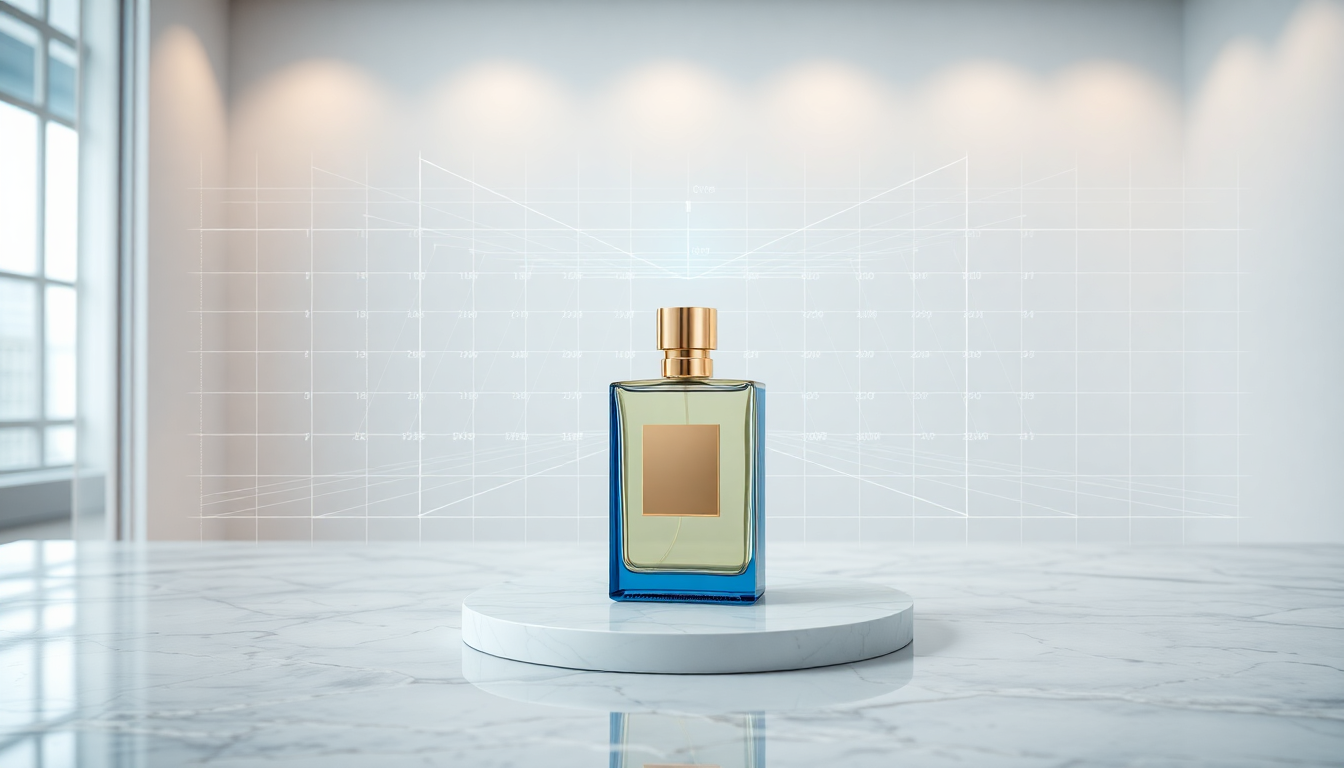
A few years ago, the idea of creating professional product photos without ever picking up a camera felt like science fiction. Today, it is just Tuesday. AI product photography has gone from a novelty to a genuine production tool, and in 2026 the quality gap between AI-generated images and traditional studio shots has become vanishingly small.
If you sell physical products online, you already know the pain. Booking a photographer, renting a studio, shipping samples, waiting for edits, and then repeating the entire process when you launch a new colorway or seasonal campaign. It is expensive, slow, and rigid. The good news? There is now a faster way to get product photos without a photoshoot, and it does not require you to compromise on quality.
Let's walk through how this technology actually works in practice, which products benefit the most, and how to get the best possible results.
How AI Product Photography Actually Works
The core idea is simple. You start with a picture of your product, and AI handles everything else: the background, the lighting, the shadows, even the surface the product is sitting on. Under the hood, the process relies on a combination of techniques that have matured significantly over the past two years.
Background removal is the first step. Modern AI segmentation models can isolate a product from its background with pixel-level accuracy, even handling tricky edges like transparent bottles, fine mesh fabrics, or reflective jewelry. You do not need a green screen or a perfectly lit white backdrop. A decent smartphone photo on your kitchen table will do.
Scene generation comes next. This is where things get interesting. Using generative AI, you can describe the environment you want (a marble countertop in a sunlit bathroom, a rustic wooden table in a cafe, a minimalist studio with soft gradient lighting) and the model creates that scene from scratch. The product is then composited into the generated environment with realistic lighting, reflections, and shadows that match the scene.
Tools like Pixelus handle this entire pipeline in one place. You upload your product image, the background is removed automatically, and then you can either select from curated scene templates or describe exactly the setting you want. The AI takes care of blending everything together so the final image looks like it was shot on location.
What Kinds of Products Benefit the Most?
Honestly, almost any physical product can benefit from AI product photography. But some categories see especially dramatic results.
- Consumer packaged goods (CPG): Skincare, supplements, food packaging, beverages. These products are often photographed in lifestyle settings, and generating those scenes with AI is far cheaper than building them in a studio.
- Fashion accessories: Sunglasses, watches, bags, and jewelry look stunning when placed in AI-generated environments. The controlled lighting and reflections rival what you would get from a professional shoot.
- Home and furniture: Placing a lamp or a vase in a beautifully designed room used to require an entire set. Now it takes a few clicks.
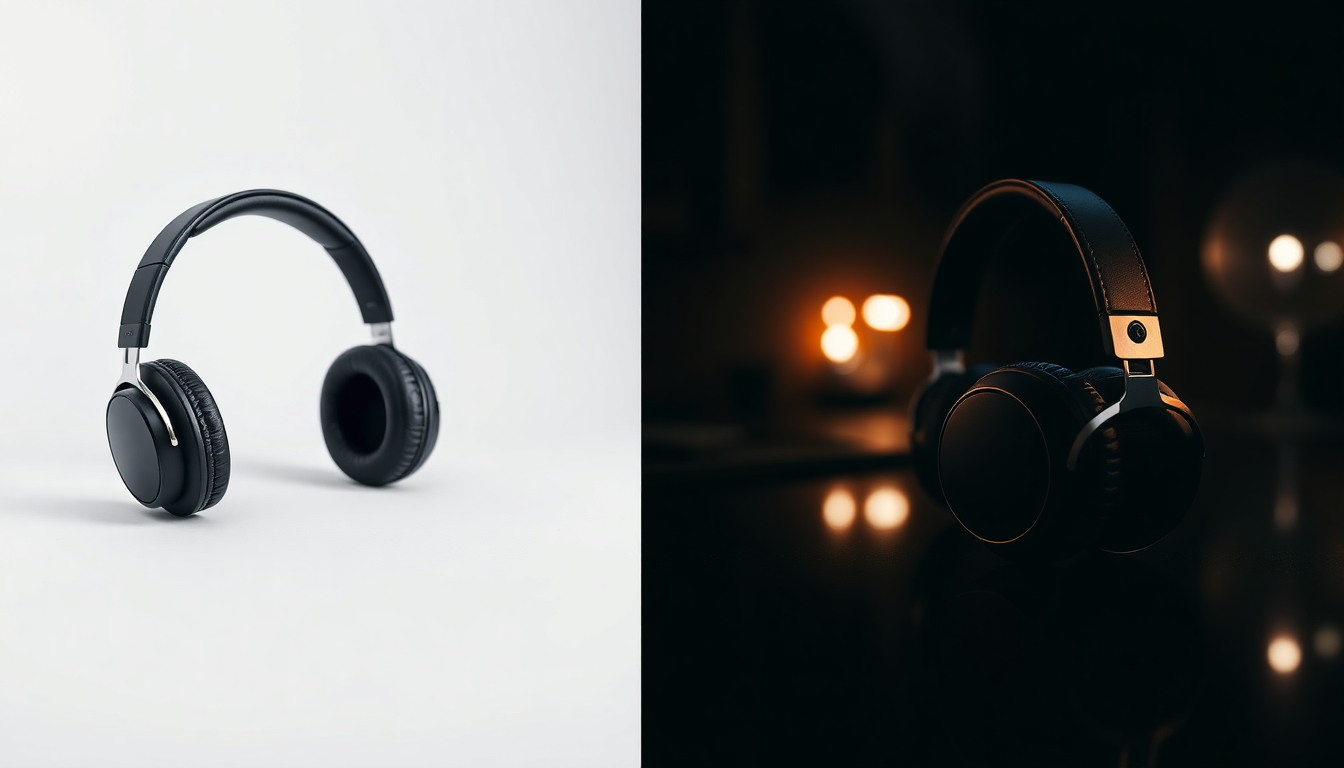
- Electronics and gadgets: Clean, minimal product shots on gradient backgrounds or sleek surfaces are a natural fit for AI generation.
- Small brands and startups: If your budget does not stretch to a full studio session for every new SKU, AI product photography is a game-changer. You can produce a catalog of consistent, professional images on a fraction of the traditional budget.
The one area where AI still has room to grow is products that need to be shown in use by a person, like clothing on a model or someone holding a tool. That said, virtual try-on technology has made huge strides for fashion and accessories. For product-only shots, AI already delivers results that are hard to distinguish from traditional photography.
The Typical Workflow: From Upload to Export
Let's get practical. Here is what a real AI product photography workflow looks like, step by step.
1. Capture Your Source Image
Grab a clear photo of your product. You do not need a professional camera. A modern smartphone in decent lighting will work. Try to get an evenly lit shot with minimal shadows, and photograph the product from the angle you want in your final image. The cleaner the source, the better the output, but even imperfect images can produce great results after background removal.
2. Remove the Background
Upload your image and let the AI strip away the background. In Pixelus, this happens automatically when you upload. The result is a clean cutout of your product with transparent edges. Check the edges closely, especially if your product has fine details like lace, fur, or translucent materials. Most modern tools handle these well, but a quick review never hurts.
3. Choose or Generate Your Scene
This is the creative part. You can go a few different directions here. Some people prefer curated templates (studio setups, lifestyle scenes, seasonal themes) because they are fast and reliable. Others prefer to describe a custom scene using a text prompt. And if you have a reference photo from a competitor or a mood board, features like AI Mixer in Pixelus let you blend reference images with your product to create something that matches your brand's visual style.
4. Composite and Refine
The AI places your product into the chosen scene, matching the perspective, lighting direction, and shadow behavior. Take a moment to review the result. Adjust the product's position or scale if needed. If you are creating multiple variants (different backgrounds for different platforms, for example), this is where you can batch out several options quickly.
5. Upscale and Export
Once you are happy with the composition, upscale the final image to the resolution you need. For e-commerce listings, you will typically want at least 2000px on the longest side. Pixelus includes built-in upscaling that preserves detail and sharpness, so you can go from a standard generation to a high-resolution asset ready for your product page or ad creative.
How Does This Compare to Traditional Photography?
Let's talk numbers, because this is where AI product photography really makes the case for itself.
A traditional product photography session with a professional photographer, studio rental, and basic retouching typically runs between $200 and $1,500 per product, depending on your market and the complexity of the shot. If you need lifestyle images with props and styled sets, that number climbs higher. And the turnaround? Anywhere from a few days to a couple of weeks.
With AI, you can produce a finished product image in minutes. The cost per image drops dramatically, often to just a few dollars or less. For brands managing hundreds of SKUs or running frequent seasonal campaigns, the savings add up fast.
That said, traditional photography still has its place. If your brand identity depends on a very specific, highly art-directed look, or if you need images of people interacting with your product, a real shoot may still be the right call. The sweet spot for many brands in 2026 is a hybrid approach: use traditional photography for hero shots and campaigns, then lean on AI for everything else (marketplace listings, social content, A/B test variants, international localization).
Tips for Getting the Best Results
After working with thousands of product images, here are the practical tips that make the biggest difference.
- Start with good lighting on your source photo. Even, diffused light (near a window on an overcast day, for example) gives the AI a clean product to work with. Harsh shadows or uneven color casts in your source image will carry through to the final result.
- Shoot from the angle you actually want. AI can change your background, but it cannot rotate your product. If you want a three-quarter view, shoot a three-quarter view.
- Be specific in your scene descriptions. Instead of "nice background," try something like "white marble surface, soft natural light from the left, blurred green plants in the background." The more detail you give, the more control you have over the output.
- Create consistency across your catalog. Pick a style that works for your brand and use similar prompts or templates for every product. Consistent imagery across your store builds trust and looks professional.
- Use multiple variants for testing. Since generating new backgrounds is fast and cheap, create three or four versions of each product image and test which performs best on your product pages or ads.
- Do not over-process. The temptation with AI tools is to push everything to the extreme. Resist the urge. The most effective product photos look natural and believable, not hyper-stylized.
Where Is This Technology Headed?
We are still in the early chapters of this story. A few trends are worth watching.
Video is next. Static product images are already well-served by AI, and the next frontier is short product videos, think rotating 360-degree views, lifestyle clips, and animated social content. The same generative techniques powering still images are being extended to motion, and early results are promising.
Real-time customization is coming. Imagine a shopper on your product page choosing from a dropdown of room styles, and the product image updates in real time to show the item in their preferred setting. That kind of dynamic, personalized imagery is technically feasible today and will become mainstream soon.
Quality will keep climbing. Every few months, the underlying models get better at handling reflections, transparency, fine textures, and complex lighting. Products that were tricky to work with a year ago (clear glass bottles, highly reflective chrome surfaces) are handled confidently now. That trend will only continue.
For brands and creators, the practical takeaway is straightforward. AI product photography is not a gimmick or a shortcut. It is a production tool that saves real time and real money while delivering images that genuinely compete with traditional studio work. The teams that learn to use it well now will have a meaningful advantage as visual content demands only keep growing.
Ready to try it yourself?
Pixelus makes it easy to create stunning product photos with AI. Upload your product, choose a scene, and export studio-quality images in minutes.
Try Pixelus Free