AI Image Upscaling for E-Commerce: How to Get Print-Ready Resolution from Any Photo
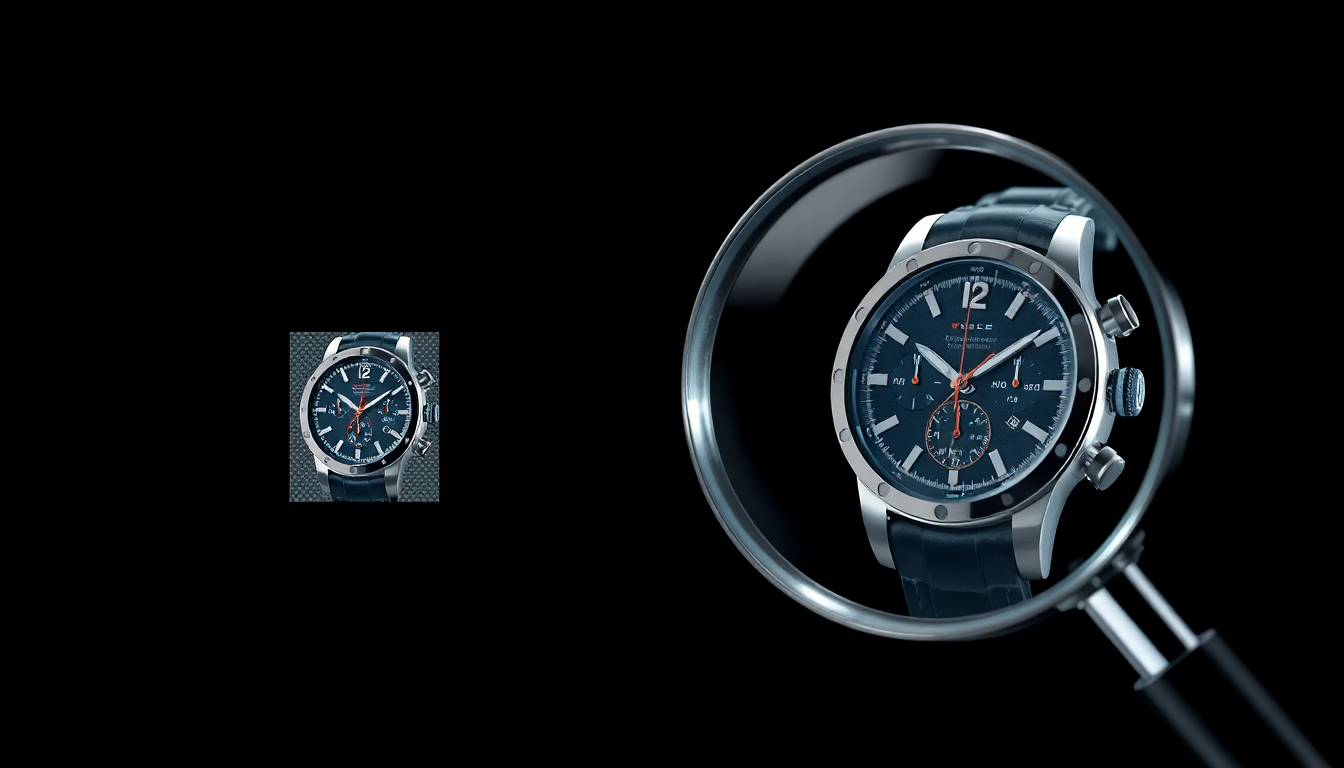
You finally have the perfect product photo. The lighting is great, the composition works, and the product looks exactly the way you want it to. There is just one problem: the resolution is too low. Maybe you shot it on a phone a year ago. Maybe your supplier sent it over as a compressed JPEG. Maybe you generated it with AI and the output was only 1024 pixels wide. Whatever the reason, the image is too small for what you need.
This is one of the most common frustrations in e-commerce. You have the right image, just not enough pixels. And for a long time, there was no good fix. You could stretch it in Photoshop and end up with a blurry mess, or you could reshoot the whole thing. Neither option is great.
That is where AI image upscaling comes in. It is genuinely one of those technologies that works better than you would expect, and it solves a problem that nearly every online seller runs into eventually.
Why Image Resolution Actually Matters for E-Commerce
Before we get into the how, let's talk about the why. You might be thinking: "My photos look fine on my website. Why would I need higher resolution?" There are several reasons, and they go beyond just looking nice.
Zoom Features Are Expected Now
Shoppers on Amazon, Shopify stores, and just about every major marketplace expect to zoom into product images. They want to see texture, stitching, labels, and fine details. If your image is only 800 pixels wide, that zoom turns into a pixelated blur. Most marketplaces recommend images of at least 2000 pixels on the longest side, and Amazon requires at least 1600 pixels for their zoom feature to work. If your images do not meet these minimums, you are actively losing sales.
Retina and High-DPI Displays
Modern phones and laptops have screens with extremely high pixel density. An image that looks sharp on an old 1080p monitor can look noticeably soft on a MacBook or a newer iPhone. To look crisp on these displays, your images need to be at least twice the display size. That means a product image displayed at 600 pixels wide on your website really needs to be 1200 pixels wide in the source file, and ideally larger.
Print Catalogs and Packaging
If you ever need to use your product photos in printed materials (catalogs, brochures, trade show banners, packaging inserts), you need high resolution. Print typically requires 300 DPI, which means a 4-inch-wide print needs a 1200-pixel-wide image at minimum. Large format displays like trade show banners need even more. This is where many sellers hit a wall, because the web-optimized images they have been using are nowhere near large enough for print.
Marketplace Requirements Keep Going Up
Platforms are continually raising their image standards. What passed as acceptable on Etsy or eBay five years ago looks dated today. Higher resolution product listing images consistently correlate with better conversion rates. It is not just about meeting minimums. It is about looking professional next to competitors who are investing in better visuals.
How AI Upscaling Works (and Why It Is Different from the Old Way)
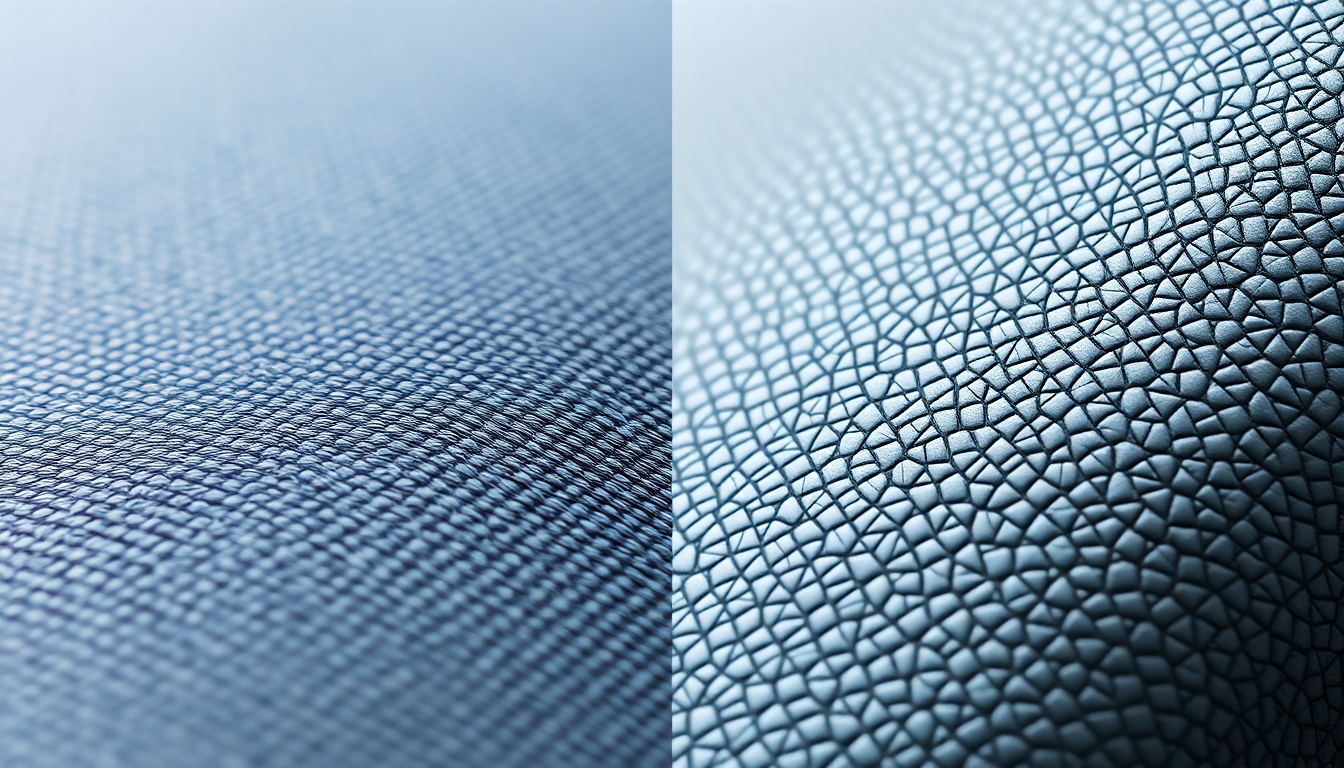
Traditional image resizing uses mathematical interpolation. The most common method, bicubic interpolation, looks at neighboring pixels and creates new ones by averaging their values. It is essentially guessing what color goes between two existing pixels, and the result is predictable: everything gets softer. Details blur. Edges lose their crispness. Text becomes unreadable. The larger you scale, the worse it gets.
AI image upscaling takes a completely different approach. Instead of averaging pixels, neural network super-resolution models have been trained on millions of image pairs (low-resolution and high-resolution versions of the same image). They have learned what fine detail, sharp edges, and realistic textures actually look like. When you feed the model a low-resolution image, it does not just fill in blank space. It reconstructs plausible detail based on everything it has learned.
The practical difference is dramatic. Where bicubic upscaling gives you a bigger but blurrier image, AI upscaling gives you a bigger image that actually looks sharper. Fabric textures stay defined. Product labels remain readable. Fine lines and small text hold up. It is not magic, and it cannot invent information that was never there, but it gets remarkably close to what a higher-resolution original would look like.
When to Use AI Upscaling
Not every image needs upscaling, but there are several common situations where it is the right move.
Old Product Photos
If you have been selling online for a few years, your early product photos were probably shot at lower resolutions or saved as heavily compressed files. Instead of reshooting products that have not changed, you can upscale product photos and bring them up to current standards. This is especially useful for catalog items that sell steadily but do not justify the cost of a new photo shoot.
AI-Generated Images
This is a big one. If you are using AI product photography tools to create lifestyle scenes and product placements, the output resolution may not always match what you need. Many AI image generators produce images at 1024x1024 or similar sizes. That is fine for social media thumbnails, but not enough for a high-quality product listing page or a print catalog. Upscaling these AI-generated images to 4096 pixels or beyond lets you use them everywhere.
Smartphone Photos
Plenty of small sellers shoot product photos on their phones, and modern phones actually take great photos. But if you cropped heavily to isolate the product, or if the lighting forced a high ISO that introduced noise, the usable resolution might be lower than you think. AI upscaling can recover clarity from cropped or slightly noisy smartphone shots.
Supplier-Provided Images
If you are a reseller or dropshipper, you often work with whatever images the manufacturer provides. These can range from decent to terrible, and they are almost always compressed. Upscaling them gives you a fighting chance at making your listings look professional even when you do not control the original photography.
The Upscaling Workflow in Pixelus
Using AI to increase image resolution does not have to be complicated. In Pixelus, the upscaling feature is built into the same creative workflow you use for product photography and scene generation. Here is what it looks like in practice.
- Upload your image. Start with whatever you have. It can be a product photo, an AI-generated scene, a cropped detail shot, or anything else you want to enlarge.
- Select your scale factor. Pixelus offers up to 4x upscaling, which means a 1024x1024 image becomes 4096x4096. That is more than enough for any marketplace, most print applications, and large format displays.
- Export your upscaled image. Download the high-resolution result and use it wherever you need it. The upscaled file preserves detail and sharpness, so labels stay crisp, textures remain defined, and edges look clean even at the larger size.
The whole process takes seconds, not minutes. And because it is integrated into the same platform where you create and edit your product images, there is no need to bounce between multiple tools or deal with file format conversions.
Quality Considerations to Keep in Mind
AI upscaling is impressive, but it is good to go in with realistic expectations. A few things worth knowing.
Start with the best source you have. The better your input image, the better your output. A sharp, well-exposed 1024-pixel image will upscale beautifully. A blurry, heavily compressed 200-pixel thumbnail will improve, but it is still starting from a weaker foundation. AI can enhance what is there, but it cannot fully reconstruct what was never captured.
JPEG compression matters. If your original image has been saved as a low-quality JPEG multiple times, you will see compression artifacts (those blocky, smudgy areas, especially around edges). AI upscaling can reduce these, but heavy compression damage is hard to fully undo. Whenever possible, work from the highest-quality version of the file you can find.
4x is usually the sweet spot. For most e-commerce applications, 4x upscaling gives you more than enough resolution. Going beyond that (8x, 16x) is technically possible with multiple passes, but the returns diminish and you start to see the AI filling in details that look plausible but are not quite accurate. For product photos where accuracy matters, 4x is the practical ceiling.
Check fine text and logos. These are the areas most likely to show artifacts after upscaling. Always zoom in on any text, logos, or very fine patterns in your upscaled image to make sure they look correct. In most cases with Pixelus, they hold up well, but it is worth a quick visual check.
Real-World Use Cases
E-Commerce Zoom Images
The most straightforward use case. Take your existing product photos, upscale them to meet or exceed marketplace requirements, and give your customers the zoom experience they expect. This is especially impactful on Amazon, where the zoom feature is a major factor in purchase decisions.
Print Materials
Trade shows, catalogs, brochures, and packaging all need high-resolution images. If your only product photos are web-sized, AI upscaling can bridge the gap between what you have and what your printer needs. A 1024-pixel AI-generated product scene upscaled to 4096 pixels gives you a file that prints beautifully at 13 inches wide at 300 DPI.
Large Format Displays
Retail signage, pop-up displays, and event banners need large images. These are viewed from a distance, so the resolution requirements are a bit more forgiving than print, but you still need substantially more pixels than a typical web image provides. Upscaling lets you repurpose your best product visuals for physical spaces without commissioning separate photography.
Social Media Hero Images
When you are creating social media content for platforms like Pinterest or Facebook, hero images and cover photos benefit from higher resolution. A crisp, detailed product image in a lifestyle setting stands out in feeds where most content is soft and over-compressed. Upscaling your best images before posting ensures they look sharp on every device.
Bringing It All Together
Image resolution is one of those things that is easy to overlook until it becomes a problem. You list a product and the photos look fine on your laptop, but then a customer zooms in on their phone and sees blur. Or you get invited to a trade show and realize none of your product images are large enough for a banner. Or a marketplace updates its requirements and suddenly half your listings need new photos.
AI image upscaling removes that bottleneck. Instead of reshooting or settling for low-resolution images, you can take what you already have and make it bigger, sharper, and ready for any format. The technology has reached the point where the results are genuinely excellent for product photography, which is exactly the kind of structured, well-lit content that upscaling models handle best.
Whether you are working with old photos, AI-generated images, smartphone shots, or supplier files, upscaling gives you the resolution you need without the cost and hassle of starting over. And when it is built right into your creative workflow, it just becomes another step in getting your products looking their best everywhere they appear.
Need higher resolution product images?
Pixelus offers 4x AI upscaling that preserves detail and sharpness, built into the same creative studio you use for product photography and scene generation.
Try Pixelus Free