AI Background Removal for Product Photos: The Complete Guide for 2026
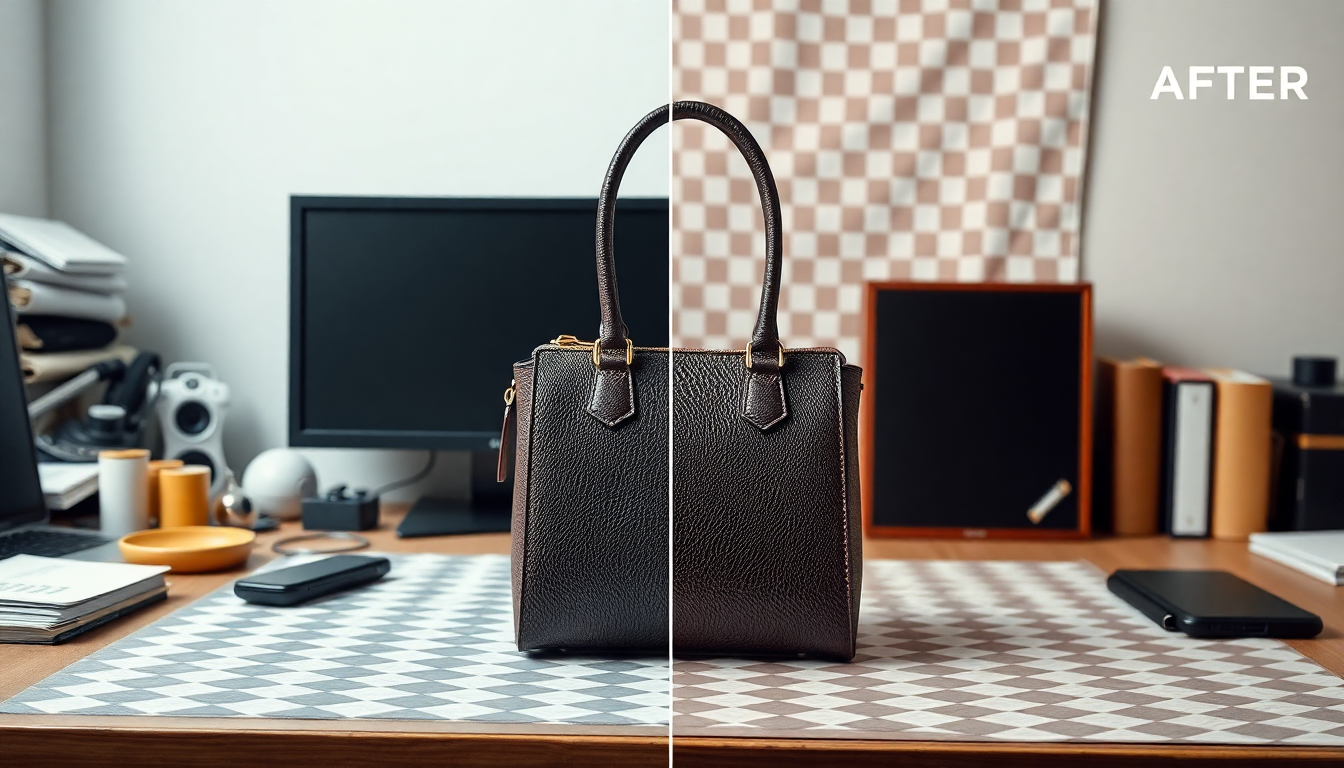
If you sell anything online, you already know the drill. You take a product photo, and the background is wrong. Maybe it's your kitchen counter, a wrinkled bedsheet, or a cluttered desk. The product looks great, but the image screams "amateur." That background has to go.
A few years ago, removing a background meant spending 20 minutes in Photoshop with the pen tool, carefully tracing around every edge. Today, AI background removal can do it in seconds. But not all tools are equal, not every product is easy to cut out, and knowing what to do after you remove the background matters just as much as the removal itself.
This guide covers everything you need to know about using AI to remove backgrounds from product photos in 2026, from how the technology actually works to practical tips that will save you hours every week.
Why Background Removal Matters for E-Commerce
Let's start with the obvious. Clean product images sell better. But beyond that, most major marketplaces actually require specific background standards:
- Amazon requires a pure white background (RGB 255, 255, 255) for main listing images.
- eBay strongly recommends white or light gray backgrounds for better visibility in search results.
- Shopify stores perform best with consistent, clean backgrounds across their entire catalog.
- Etsy allows lifestyle settings, but clean product shots still convert better for most categories.
Beyond marketplace requirements, there's a trust factor. Shoppers make snap judgments. A product floating on a clean white background looks professional. The same product photographed on a dining table looks like a garage sale listing. Fair or not, that's how buyers think.
If you're building out a full product photography workflow from scratch, our guide on AI product photography in 2026 covers the bigger picture, including how to skip traditional photoshoots entirely.
How AI Background Removal Actually Works
You don't need to understand the deep technical details to use these tools well, but having a basic mental model helps you get better results and troubleshoot when things go wrong.
Segmentation Models
Modern AI background removers use image segmentation models trained on millions of photos. These models learn to identify which pixels belong to the "foreground" (your product) and which belong to the "background" (everything else). The most common approach uses an encoder-decoder architecture. The encoder compresses the image into a feature map that captures shapes, edges, and textures. The decoder then produces a pixel-by-pixel mask that separates subject from background.
Edge Refinement and Alpha Matting
The tricky part isn't the center of your product. It's the edges. This is where alpha matting comes in. Instead of making a hard yes/no decision for every pixel, good AI models predict partial transparency values along edges. This is what makes the difference between a cutout that looks like it was done with scissors and one that looks naturally photographed on a clean background.
How Far We've Come
The models available in 2026 are dramatically better than what existed even two years ago. Edge detection is sharper, processing is faster, and the AI handles complex shapes (think jewelry chains, woven textures, and thin handles) with far fewer artifacts. Tools like Pixelus use these latest models to deliver automatic background removal that handles the vast majority of product photos without any manual cleanup.
Common Challenges (and How to Handle Them)
AI background removal works brilliantly most of the time. But some products are genuinely harder than others. Here's what to watch for.
Transparent and Translucent Objects
Glass bottles, clear phone cases, and products with see-through elements are the hardest category. The AI has to figure out where the product ends and the background begins when it can literally see through the product. For best results, photograph transparent items against a contrasting background (not white) so the AI has more signal to work with. A medium gray or colored backdrop gives the model a fighting chance.
Fine Details and Wispy Edges
Products with fur, feathers, frayed fabric, or extremely fine details can lose those details during removal. If your product has delicate edges, make sure the original photo is high-resolution and well-lit. More pixels means more data for the AI to work with, and better lighting means cleaner edges.
Shadows and Reflections
Shadows are tricky because sometimes you want to keep them (a natural drop shadow makes a product look grounded) and sometimes you want them gone. Most AI tools remove shadows by default. If you need a shadow for realism, you'll either need to add one back in post-processing or use a tool that generates natural shadows automatically when placing your product into a new scene.
Products That Match the Background
A white product on a white background, or a dark product on a dark surface, makes the AI's job harder. There's less contrast for the model to detect edges. The fix is simple but important: when you're taking the original photo, use a background color that contrasts with your product. You're going to remove the background anyway, so it doesn't matter what color it is.
The Step-by-Step Workflow
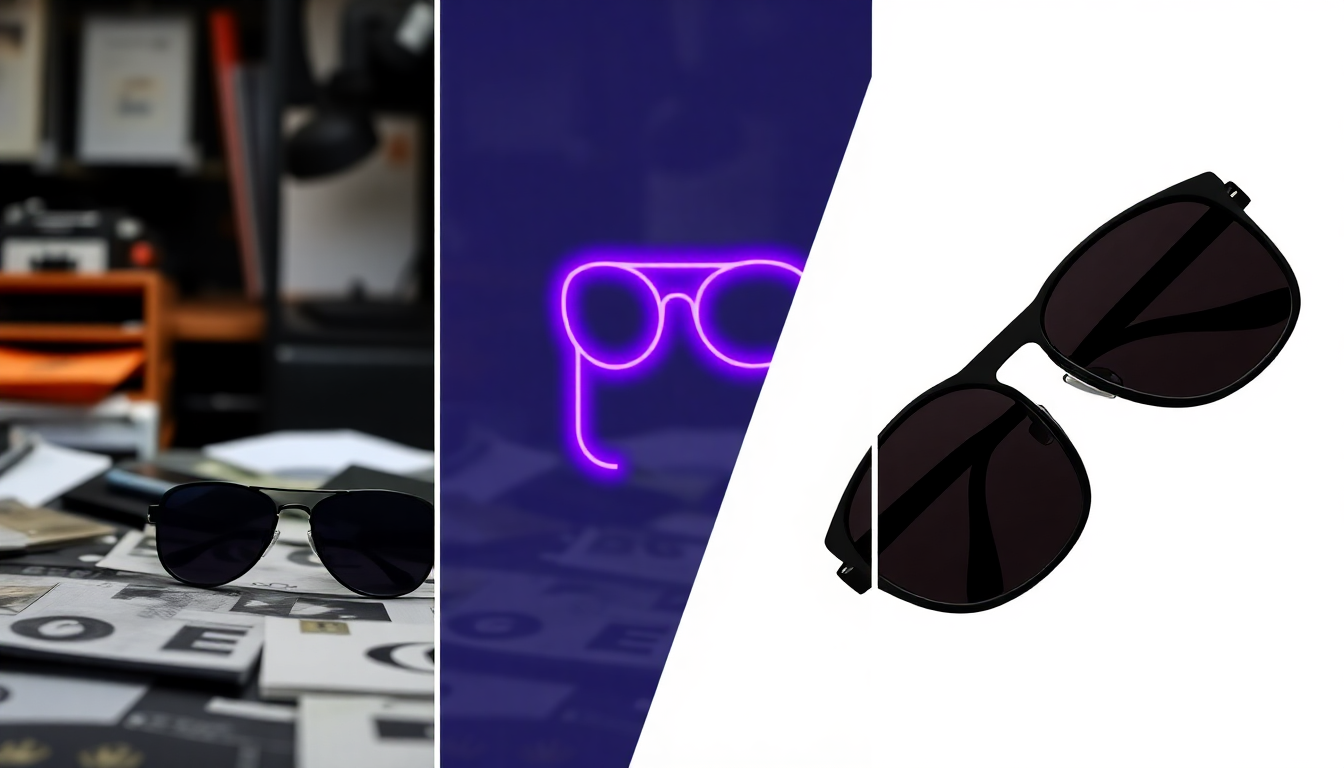
Here's a practical workflow for removing backgrounds from product photos and turning them into listing-ready images. This is roughly what we see power sellers and small brands doing every day.
- Capture your product photo. Use a smartphone or camera with good lighting. Natural light near a window works great. Shoot against a clean, contrasting background. It doesn't need to be fancy.
- Upload to an AI background remover. Drop your image into a tool like Pixelus. The AI processes it automatically, usually in just a few seconds.
- Review the cutout. Check the edges, especially around complex areas. Zoom in on any fine details. Most of the time it'll be perfect. Occasionally you'll need to touch up a spot.
- Choose your new background. For marketplaces like Amazon, export on pure white. For your own website or social media, this is where it gets interesting. You can place your product into an AI-generated lifestyle scene that would have cost hundreds of dollars to photograph traditionally.
- Export at the right resolution. Marketplaces have minimum image size requirements (Amazon wants at least 1000px on the longest side, ideally 2000px). If your original photo is too small, AI upscaling can help you hit those marks without losing quality.
That's the whole process. What used to take 30 minutes per image in Photoshop now takes about 30 seconds.
What to Do After Removing the Background
Removing the background is just the starting point. What you do next depends on where the image is going.
White Background for Marketplaces
If you're listing on Amazon, eBay, or similar platforms, you need a pure white background. After removing the original background, simply export your product on white. Make sure there's appropriate padding around the product (Amazon recommends the product fills 85% of the image frame) and that the white is truly white, not off-white or light gray.
AI Scene Generation for Lifestyle Images
This is where things get really exciting. Once you have a clean cutout of your product, you can place it into any scene you can imagine. A candle on a rustic wooden table. A skincare bottle in a spa-like bathroom setting. A tech gadget on a sleek modern desk. With Pixelus, you describe the scene you want and the AI generates a photorealistic environment around your product. The product itself stays exactly as photographed, pixel for pixel, so customers see exactly what they're buying. Only the surroundings change.
This is a game-changer for creating social media content because you can generate dozens of different lifestyle variations from a single product photo.
Upscaling for Print and High-Res Needs
Sometimes your source photo isn't quite high-resolution enough for the final use case, especially if you shot it on a phone or need to crop heavily. AI upscaling can take a clean cutout and increase the resolution by 2x or 4x while preserving (and even enhancing) detail. Pixelus includes upscaling as part of the workflow, so you can go from phone photo to print-ready image without switching tools.
Ready to try it yourself? Pixelus handles background removal, scene generation, and upscaling in one place. No Photoshop skills needed.
Try Pixelus FreeTips for Getting the Best Results
After working with thousands of product images, here are the tips that make the biggest difference.
- Lighting is everything. Even the best AI can't fix a poorly lit photo. Soft, even lighting with minimal harsh shadows gives you the cleanest cutouts. You don't need professional lighting equipment. A cloudy day near a window works beautifully.
- Shoot at the highest resolution your camera allows. More pixels mean better edge detection. You can always downsize later, but you can't recover detail that was never captured.
- Use a contrasting background. It doesn't matter what color your backdrop is since you're removing it anyway. Pick a color that's different from your product.
- Keep products clean and lint-free. Dust, fingerprints, and lint are more visible after background removal because there's nothing to distract from them.
- Photograph at a slight angle for dimension. Straight-on shots work for some products, but a slight angle (around 15 to 30 degrees) gives your product more depth and makes it look more appealing after the background is removed.
- Batch process when possible. If you have 50 products to photograph, shoot them all in one session with consistent lighting and then batch-remove all the backgrounds at once. It's far more efficient than doing them one at a time.
When You Still Need Manual Touch-Up
Let's be honest. AI background removal handles about 95% of product photos perfectly. But there are cases where you'll want to do a quick manual pass.
Complex product groupings can confuse the AI. If you're photographing a set of items arranged together, the model might remove gaps between products or include parts of the background between items. For grouped shots, it sometimes helps to photograph items individually and composite them together afterward.
Extremely fine or transparent edges on products like lace, sheer fabric, or thin wires may need a quick touch-up in an image editor. Even here, the AI gets you 90% of the way there. You're just cleaning up a few pixels rather than doing the whole cutout by hand.
Intentional background elements sometimes get removed when you want to keep them. If your product includes a stand, a tag, or an accessory that's separate from the main item, the AI might classify it as background. Most tools let you paint these areas back in.
The key insight is that even when you need manual work, AI has reduced the job from 20 minutes to 2 minutes. That's a huge win when you're processing dozens or hundreds of images.
Choosing the Right Tool
There are quite a few AI background removal tools on the market now, and they vary in quality, speed, and what they offer beyond just the removal itself. Some are standalone background removers. Others, like Pixelus, are full creative studios where background removal is just the first step in a complete workflow that includes scene generation, product placement, and image upscaling.
If you're evaluating options, we put together a detailed comparison of Photoroom, Pebblely, and Pixelus that breaks down the differences in features, pricing, and output quality. It's worth a read if you're deciding where to invest your time.
The bottom line: AI background removal has gone from a novelty to an essential part of any e-commerce workflow. The technology is mature, fast, and accessible. Whether you're a solo seller listing your first product or a brand managing thousands of SKUs, removing and replacing backgrounds with AI will save you real time and money, while producing images that look better than what most traditional photography setups could deliver.